
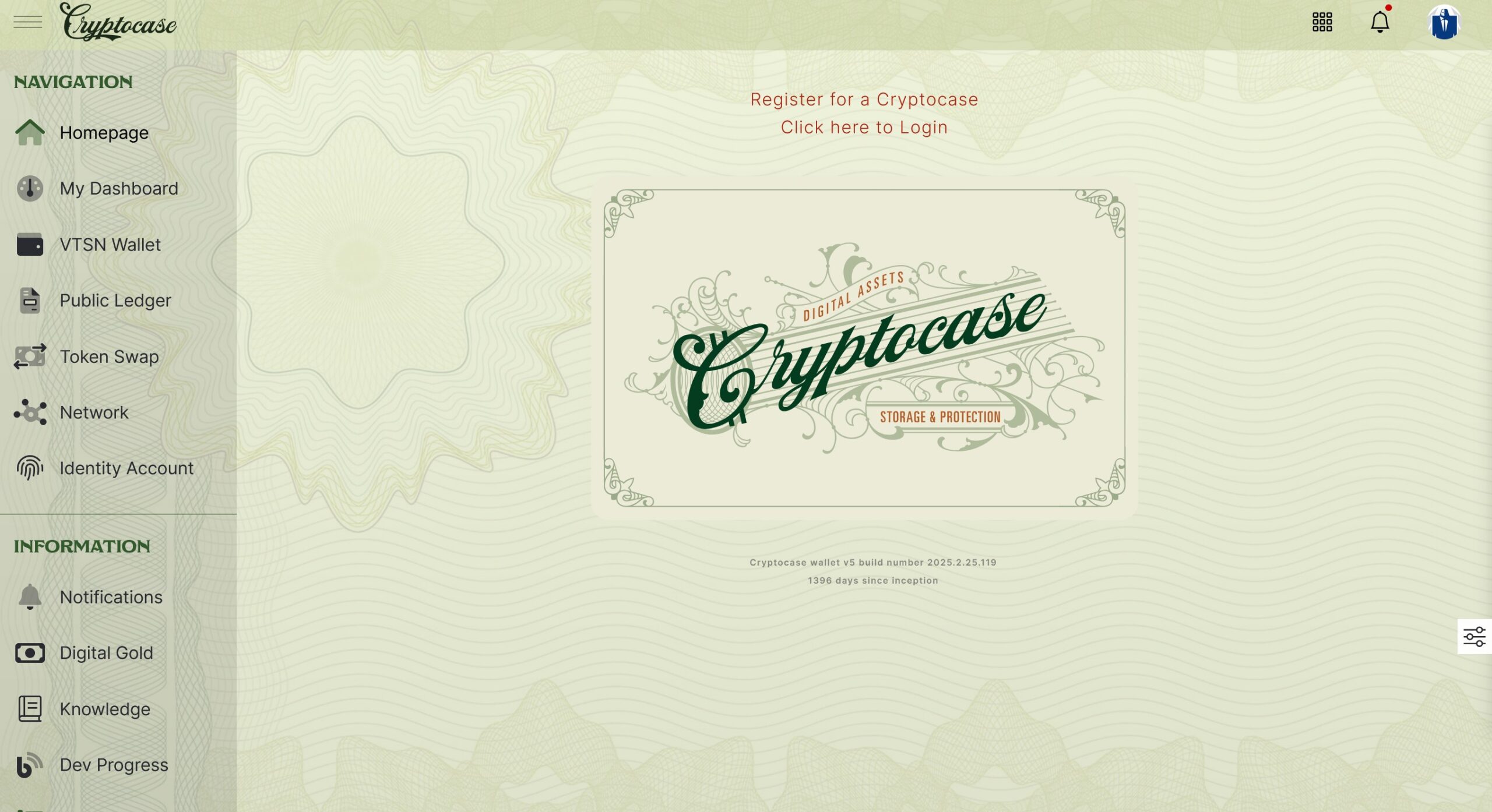
Creating your Cryptocase wallet is the very first step in securing your VTSN and accessing the Vertisan network. Follow the guide below to get set up in just a few minutes.
🎥 Step-by-Step Video Tutorial
Watch the full walkthrough here:
Quick Summary of Steps
Visit the Official Cryptocase Site
Go to Cryptocase.org and click Create a Cryptocase.
Enter a Secure Name & Password
- Choose a unique name for your Cryptocase.
- Set a strong, memorable password — you’ll use this to unlock your wallet.
Verify Your Email Address
- You’ll receive an email with a link to verify your email.
- Click on the link to complete the process.
- Without verifying your email you will not be able to access your cryptocase.
Confirm Creation and Log In
- Once your Cryptocase is created, return to Cryptocase.org anytime to log in using your key file and password.
NOTE: To start, your Username is your email address. Once your account is verified, you can enter an actual Username in your Profile for future use.
✅ Next Step: Buy Vertisan (VTSN)
Once your Cryptocase is ready, you’re one step away from acquiring VTSN.














Leave a Reply